| Support Category: ILT | Registration |
For users wanting to enroll in School-based workshops, kindly provide them with the following instructions.
Here are the instructions for enrolling in a School workshop:
1. On the Coach Learn Center homepage, click the black "School" button
2. Scroll down and select "In-Person Workshops" then click the black "View Workshops" button.
3. Locate your respective USTA Section and underneath, select "Learning Events" (PLEASE NOTE: If there are no Learning Events listed underneath your section, this means that there are currently no workshops scheduled/available)
4. Locate the workshop and click directly on the workshop title
5. To the right of the page, click the "ENROLL" icon [see image below]
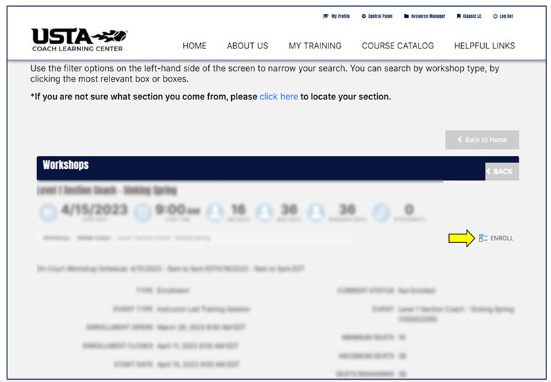
Additionally, to learn more about Schools Workshops in your area, please contact the School Tennis Coordinator for your Section. You can find out who this is by clicking on the "USTA Sections and School Tennis Coordinators" button on located on the School "In-Person Workshop" page.
