| Support Category: ILT | Registration |
| Specialist Notes: |
For users wanting to enroll in Community-based workshops, kindly provide them with the following instructions:
| Standard Response: |
Here are the instructions for enrolling in a Community workshop:
1. On the Coach Learn Center homepage, click the black "Community" button.
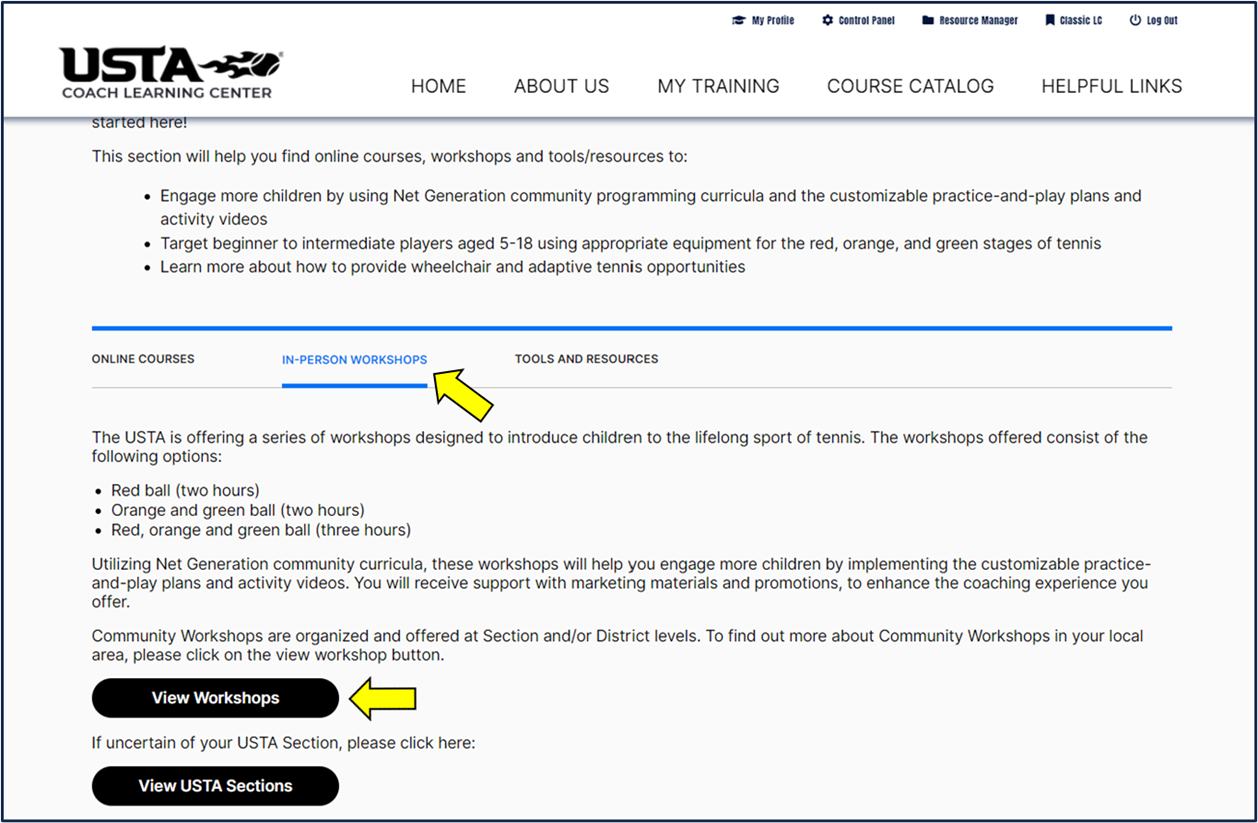
2. Scroll down and select "In-Person Workshops" then click the black "View Workshops" button. [see image below]
3. Locate your respective USTA Section and underneath, select "Learning Events." (PLEASE NOTE: If there are no Learning Events listed underneath your section, this means that there are currently no workshops scheduled/available)
4. Locate the workshop and click directly on the workshop title.
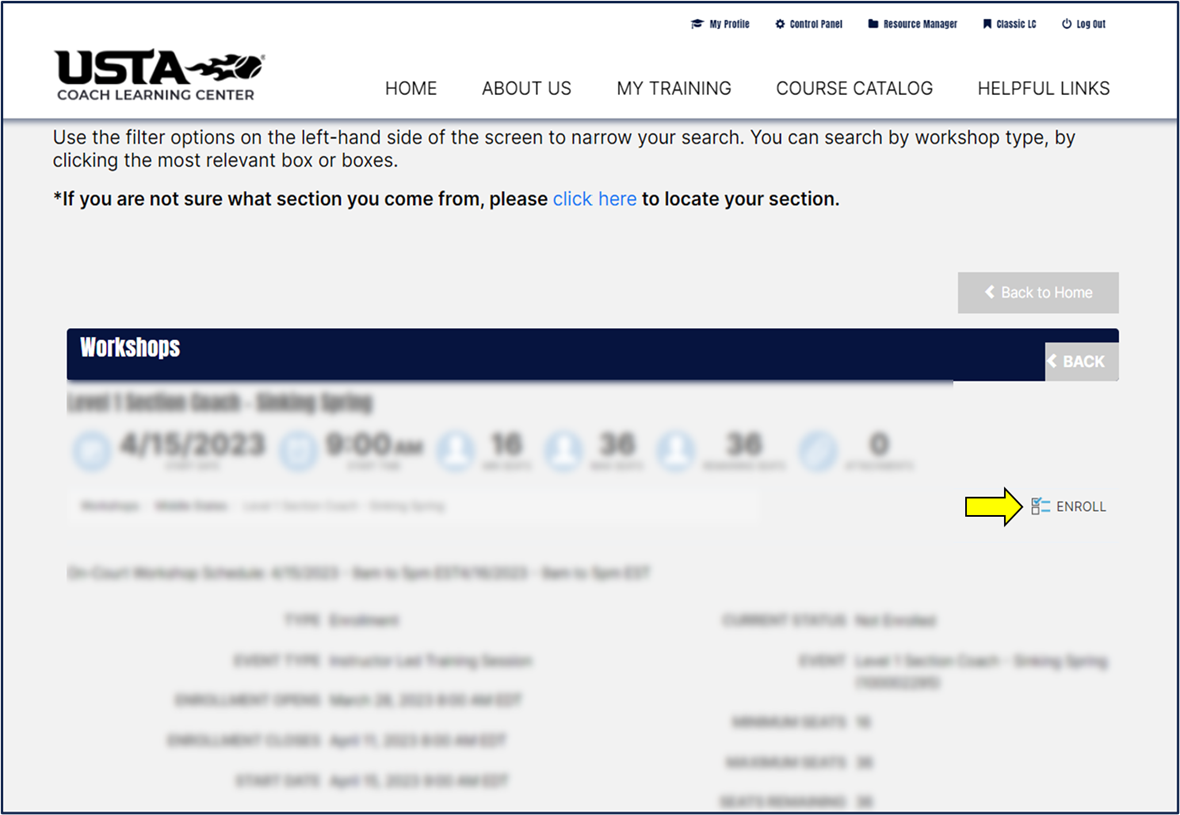
5. To the right of the page, click the "ENROLL" icon. [see image below]